How to Block or Allow AI Crawlers in robots.txt
You can block GPTBot and ClaudeBot while keeping published posts accessible to AI search crawlers. See which rules to add to robots.txt, how to preserve existing path restrictions and how to verify the changes on your live site.
Opus Rank
Team ·
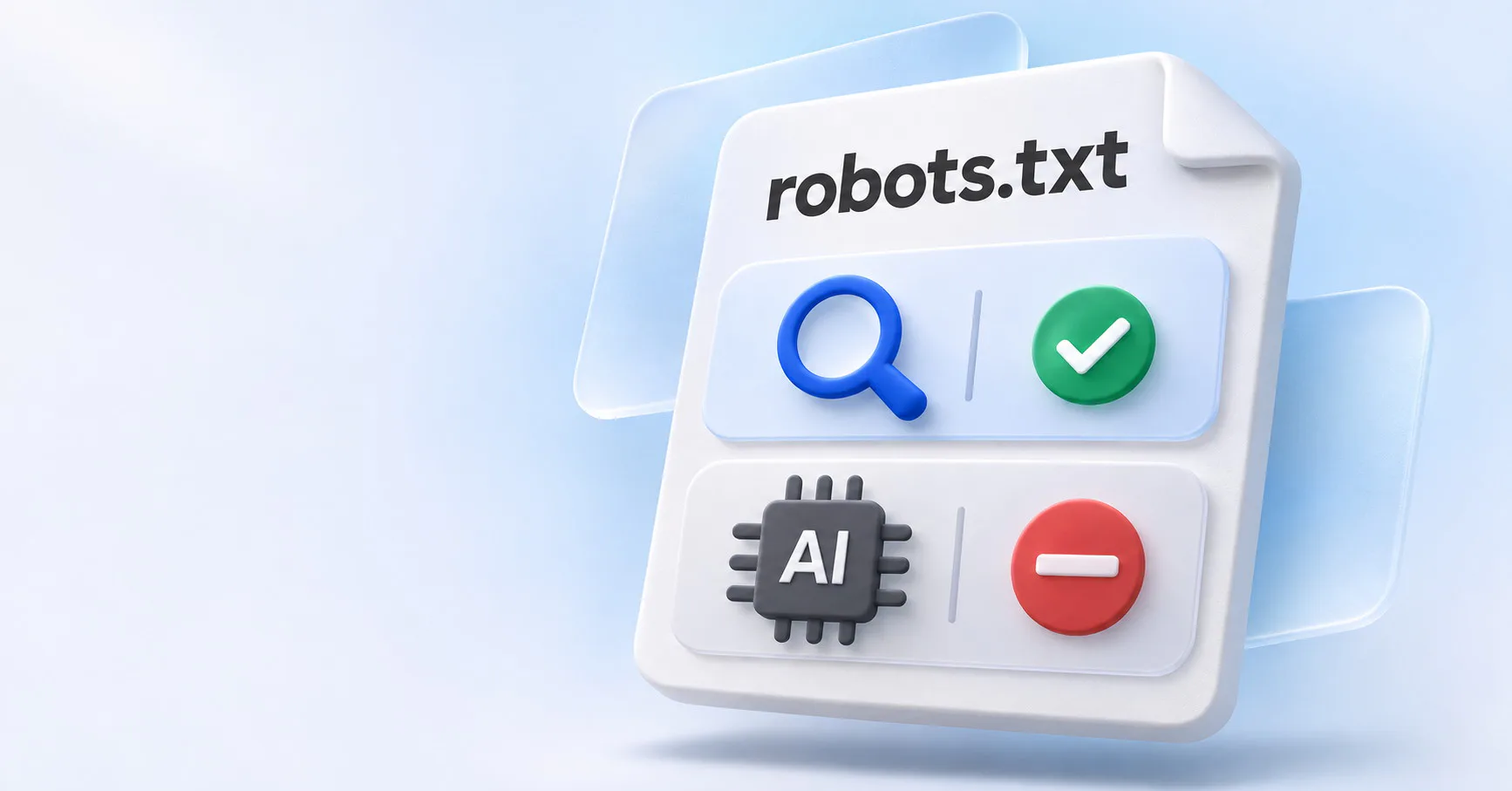
You can keep your blog eligible for ChatGPT Search while opting out of OpenAI’s training crawl. OpenAI uses separate crawler names for those jobs: OAI-SearchBot for search and GPTBot for training.
If you’re deciding how to block or allow AI crawlers in robots.txt, start with what each crawler should be able to read. The examples below show how to block selected training crawlers, give a search crawler access to published posts and check that your existing path restrictions still apply.
How robots.txt rules work
A robots.txt file tells crawlers that follow the Robots Exclusion Protocol which URLs they may request. Serve it at the root, such as https://example.com/robots.txt. The rules apply to the protocol, host and port serving the file. If you serve content on both example.com and www.example.com, check each host’s file.
A User-agent line identifies the crawler a rule group applies to. Disallow blocks matching paths and Allow permits them. The wildcard group (User-agent: *) applies when a crawler has no matching named group. If you add a named group, include any wildcard restrictions that should still apply to that crawler.
Within a group, the most specific matching path wins. If the group contains Disallow: / and Allow: /blog/, the crawler can read /blog/example/ because /blog/ is the more specific match.
Which AI crawlers should you block or allow?
Choose rules based on what the crawler does. Search, model training and visits triggered by a user can have separate controls.
- Training. OpenAI’s
GPTBotand Anthropic’sClaudeBotcollect content that could be used for model training. See the crawler documentation from OpenAI and Anthropic. - AI search.
OAI-SearchBotserves ChatGPT Search,Claude-SearchBotsupports search in Claude andPerplexityBotserves Perplexity search. Allowing these crawlers lets them request your pages. Each search product decides which pages to cite. - User-requested visits. Anthropic documents a separate control for
Claude-User. OpenAI says robots.txt rules may not apply toChatGPT-User. Perplexity says itsPerplexity-Userfetcher generally ignores them.
Google-Extended is a robots.txt token for specified Gemini training and grounding uses. Grounding lets a model use retrieved information when answering. Google handles the crawling through its existing user agents. Googlebot controls crawling for Google Search, including AI Overviews and AI Mode.
How to block or allow AI crawlers in robots.txt
Open your live file and check for groups that already name the crawlers you want to manage. Edit those groups in place. Before adding a named group, review the wildcard group for path restrictions you want to carry over.
Block training crawlers and allow AI search
To block GPTBot and ClaudeBot across the site, put both names in one group. The Disallow rule applies to both crawlers.
User-agent: GPTBot
User-agent: ClaudeBot
Disallow: /
If OAI-SearchBot and Claude-SearchBot have no named groups, they follow your wildcard rules. If those rules permit crawling the blog, both search crawlers can still read it.
Allow an AI search crawler to access only the blog
Suppose your wildcard group blocks /blog/drafts/ and you want OAI-SearchBot to read only published blog posts. Include the drafts restriction in the named group so it still applies.
User-agent: OAI-SearchBot
Disallow: /
Allow: /blog/
Disallow: /blog/drafts/
OAI-SearchBot can crawl /blog/example/ under these rules. The more specific drafts rule blocks /blog/drafts/example/. The sitewide block covers /pricing/ because no more specific rule matches that path.
How to verify your AI crawler rules
After publishing, open /robots.txt on the live host. Confirm that the server returns an HTTP 200 response with the intended plain-text rules. For each crawler you changed, check one URL you expect to allow and one you expect to block. Spot-check Googlebot on an important public page as well.
If an allowed crawler receives an HTTP 403 response, check your CDN or firewall settings. Where the provider publishes IP ranges, use them to verify the requests in your logs. If you use Cloudflare’s managed robots.txt settings, check the live file for rules Cloudflare adds. OpenAI says ChatGPT Search can take about 24 hours to adjust to an update.
Frequently asked questions
Can I block GPTBot and still appear in ChatGPT Search?
Yes. OpenAI handles training and search independently. Keep OAI-SearchBot able to reach the pages you want eligible for search.
Does blocking Google-Extended affect AI Overviews?
AI Overviews follow Google Search’s crawl controls, which use Googlebot. Google-Extended controls specified uses in Gemini and Vertex AI.
Can robots.txt remove a page from Google Search?
Use noindex to keep a public page out of Google Search. Google must be able to crawl the page to read the directive.
Can robots.txt protect private content?
Require authentication for private pages. A robots.txt rule communicates a crawl preference while your server controls access.
Conclusion
To decide how to block or allow AI crawlers in robots.txt, start with the uses you want to permit. Choose the relevant crawler names, preserve path restrictions in the groups you edit and test the live file against URLs you expect each crawler to access or skip.