How Many Blog Posts per Month Do You Need to Grow?
Two to four new blog posts per month is a practical starting point if you have the time and topics. Learn how to set a schedule you can sustain, make room for updates and use Google Search Console to see whether your posts are reaching more readers.
Opus Rank
Team ·
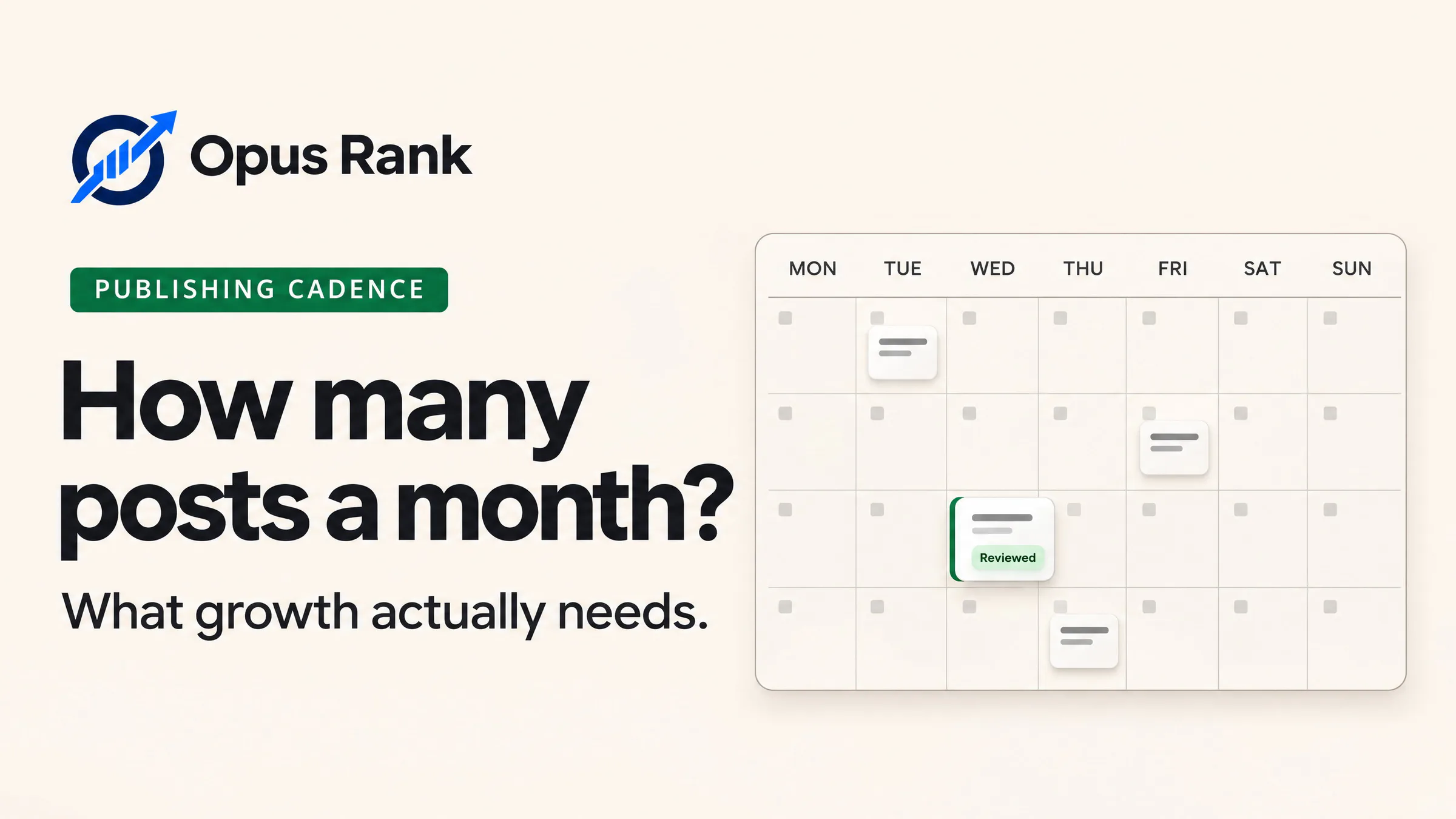
Start with two to four new blog posts per month if you have enough distinct topics and time to research, write and edit them. If you work alone and can finish one useful post a month, start there. How many blog posts per month you can sustain depends on the work each article takes.
For organic search growth, track whether more people see your posts in search results and click through. A three-month review can help you decide whether to keep your pace, publish more often or spend more time updating existing posts.
How many blog posts per month should you start with?
Publishing more often gives you room to answer more reader questions. Each post should have a clear purpose, such as helping someone compare options or complete a task. Google Search Central’s guidance on helpful content says adding pages just to make a site look fresh won’t improve its overall rankings.
What publishing frequency benchmarks tell you
Published recommendations vary. Longread suggests four to eight posts per month for many businesses. Brooks Internet Marketing suggests two to four for many small businesses. Jay Gajjar recommends using your editorial capacity and list of viable topics to set the pace.
In HubSpot’s 2025 blogging survey, 37% of respondents whose companies maintained blogs reported publishing two to three times per week. That figure describes how often those companies published. To set a schedule for your site, estimate how much work you can finish and compare how your own posts perform at the same age.
How to choose a monthly blog publishing schedule
Your schedule needs room for new articles and for maintaining what you’ve already published. Start with the hours you can protect each month.
Calculate how many posts you can finish
Suppose you have 18 hours a month for the blog. Reserve six hours for updates and use the remaining 12 for new posts. If each post takes six hours to research, draft, fact-check, edit, link and publish, you can finish two new posts per month.
Track how long the first few articles actually take. If they consistently run over budget, lower the target or choose narrower topics. Add another slot once you have time for the full review and a topic worth covering.
Decide what to publish and what to update
For a new blog, choose a few related topics that answer different questions. A bookkeeping software blog could publish one guide on tracking business expenses and another on reconciling transactions. Each guide helps readers complete a different task. Link them where the other guide explains a useful next step. Opus Rank’s topical maps can help you group related topics and decide which to publish first.
If your blog already has a guide that answers the reader’s question, check whether it needs an update. A reconciliation tutorial with screenshots from an older interface may need current screenshots and revised steps. Give that work a slot in the same calendar as your new posts.
How to tell whether your publishing frequency is working
After three months, review what you managed to publish and what the early search data shows. Check whether you could keep up with editing and updates before committing to more posts.
Compare posts at the same age
Record each post’s URL and publication date. In Google Search Console’s Performance report, filter by page and compare the first 60 days after publication once each post reaches that age. Check impressions, clicks and the queries that brought up each page. Give newer posts time to reach the same comparison window.
Use the results to adjust next month’s schedule
If a post has zero impressions, check whether Google indexed it using URL Inspection. If it earns impressions for relevant searches and few people click, review whether its title and search snippet clearly address what those readers are looking for.
Keep your pace if visibility for relevant searches is growing and you can manage the workload. If an existing guide has gaps that affect readers, use an upcoming slot to fix it.
FAQ about blog publishing frequency
Is one blog post per month enough to grow?
One post a month is a reasonable starting point for a solo publisher with limited time. Give each post a specific reader question to answer and check which searches it appears for.
Does Google rank blogs higher when they publish every week?
A weekly schedule helps you plan production. Google’s helpful content guidance says publishing more to make a site look fresh won’t improve its overall rankings.
Do updated posts count toward the monthly target?
Track substantial updates separately from new posts. Both require editorial time, so budget for both when you plan the month.
When should I publish more often?
Increase your frequency when you have distinct topics ready and enough time to review each article. Use the queries your existing posts appear for to spot related questions you can answer.
Conclusion
To decide how many blog posts per month you need to grow, start with the number you can research, edit and publish consistently. Assign each post a specific reader question and put a review date on the calendar. Use that review to decide whether your next slot should go to a new article or an update readers already need.