llms.txt Explained: Does Your Site Need One?
Wondering whether to enable llms.txt in your SEO plugin? Google Search ignores the file, but it can give compatible AI tools a shortcut to your public documentation. Learn when it’s worth adding and how to test it on a real task.
Opus Rank
Team ·
You spot an llms.txt toggle in your SEO plugin and wonder whether leaving it off could cost you visibility. For most blogs and small business sites, the file is optional. It can help when a specific AI tool needs a short route through public documentation. The decision comes down to what the file does, who can use it and how you would test it.
What Is llms.txt?
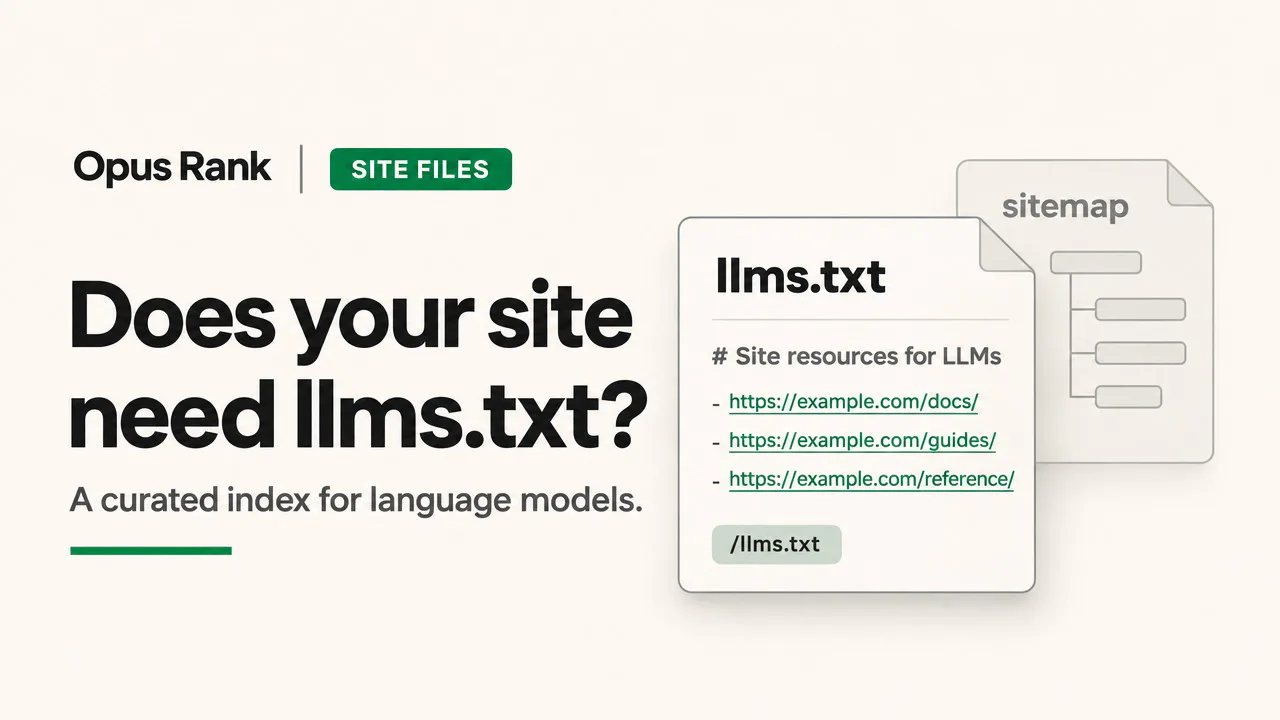
An llms.txt file is a proposed way to give compatible AI tools a short overview of a website and links to useful pages. It uses Markdown, a plain-text format that represents headings, lists and links with simple characters. A sitewide file lives at /llms.txt, directly under the domain. The current proposal also allows a file such as /docs/llms.txt to describe just the documentation section.
What an llms.txt file contains
The proposal requires a top-level heading with the site or project name. A short summary and grouped links can help tools find the right resource for a task. The OpenAI developer index shows how this works in practice. It groups documentation by product and links directly to common tasks such as making a first API request. Some links lead to Markdown versions that a tool can read directly.
llms.txt vs. robots.txt vs. XML Sitemaps
These three files serve different purposes even when they reference the same pages.
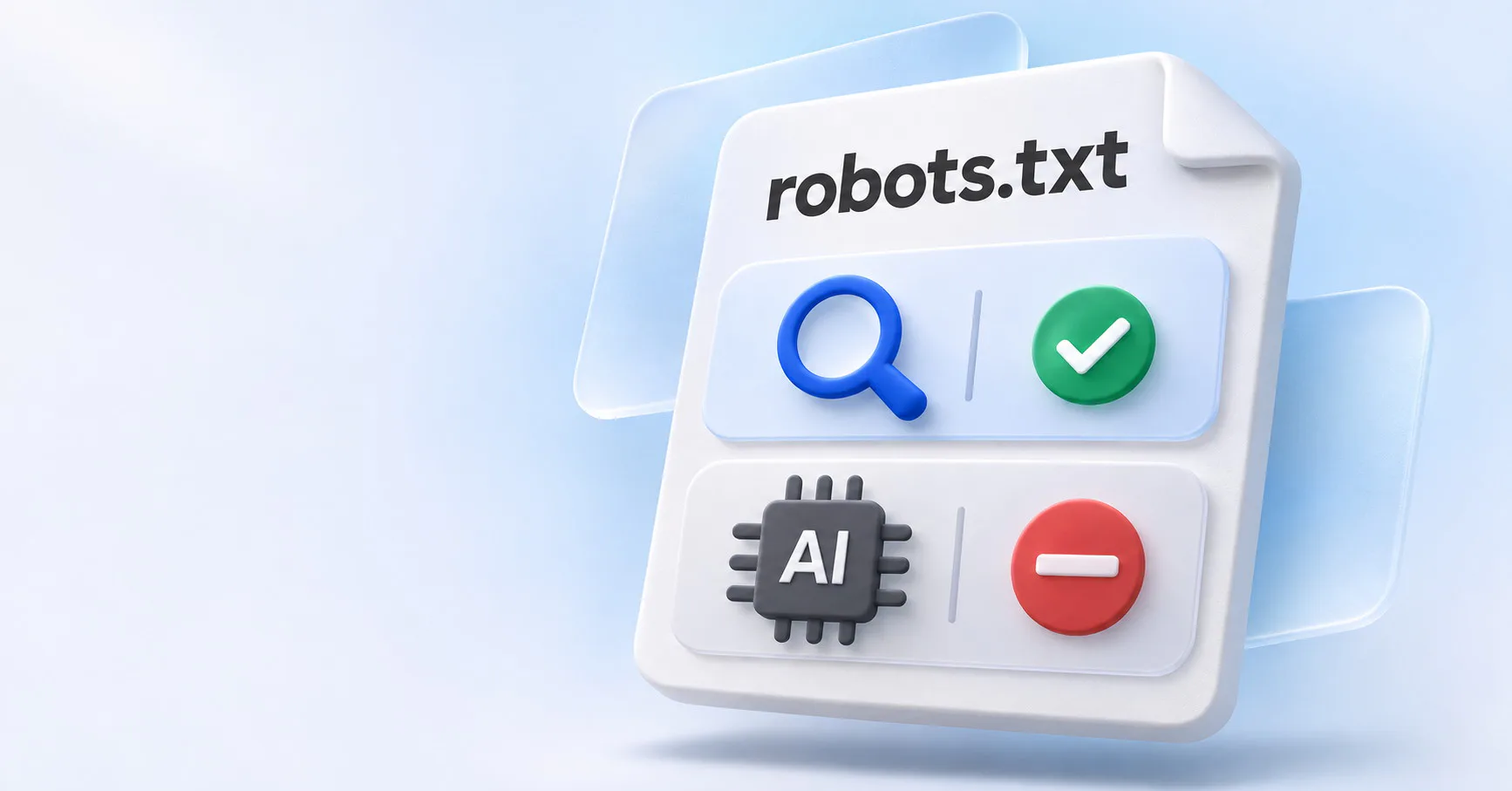
llms.txtgives compatible tools a curated set of links with context about what they’ll find.robots.txttells compliant crawlers which paths they may request under the site’s crawl rules.- An XML sitemap helps search engines discover URLs and can include details such as when those pages changed.
A documentation page can appear in both the sitemap and llms.txt while remaining subject to the site’s crawl rules. To manage crawler access, see Opus Rank’s guide to blocking or allowing AI crawlers.
Does llms.txt Help SEO or AI Search Visibility?
Google Search Central says Google Search ignores llms.txt for rankings and visibility. The same guidance applies to both AI Overviews and AI Mode. Google advises making important pages crawlable and ensuring they can appear in Search with a snippet.
What request logs can tell you
Ahrefs studied about 137,000 domains using its analytics tools. Among the domains with an llms.txt file, 97% recorded zero requests for it in May 2026. That result describes one month in Ahrefs’ customer sample. Semrush’s test on Search Engine Land found no correlation between publishing the file and improved performance in AI results.
A server log can show whether a tool requested the file. To see whether that request was useful, check whether the tool followed a relevant link and drew on the page in its answer.
Does Your Site Need an llms.txt File?
Start by naming the tool that would use the file and the person who would keep its links current.
For blogs and small business sites
If you run a WordPress blog, start by checking whether search engines can crawl your important pages. Then make those pages easy to reach through relevant internal links. Opus Rank’s guide to generative engine optimization explains how to make an existing page more useful as a source.
For documentation and API sites
An API team might give a coding assistant a short index with links to a quickstart, an authentication guide and the API reference. That gives the assistant a starting point for a specific task. Some documentation platforms, including Mintlify, generate the index automatically.
How to Create and Test an llms.txt File
Start with your project name and a short summary of what the site offers. Group a few stable public links by task, such as setup, troubleshooting and reference. Add a brief description when a link title alone leaves its purpose unclear. Use clean Markdown versions where available and publish the file at the root or under the section it describes. Open the live file in a browser and confirm each link leads to the intended page. If that URL shows your homepage or an error page, check how your site serves the file.
Test it on a real task
Ask the same tool how to authenticate an API request in two fresh sessions. Give it the index URL in one session and leave the URL out of the other. Record whether the tool finds the right page and describes the steps accurately. That test measures how useful the index is when the tool receives its URL. Repeat the test after a significant documentation update.
Conclusion
If a specific AI tool struggles to find the right documentation, test an llms.txt file on a real question. Keep the file if it helps the tool reach the right source and you can maintain its links. For Google visibility, spend that time making important pages easier to find.
FAQ
Does ChatGPT Search require llms.txt?
ChatGPT Search can surface pages from sites without an llms.txt file. OpenAI’s crawler guidance recommends allowing OAI-SearchBot in robots.txt and accepting requests from its published IP ranges.
Can llms.txt block AI training crawlers?
Training crawler preferences belong in robots.txt where the provider supports them. OpenAI documents separate settings for GPTBot, which crawls for potential training use, and OAI-SearchBot, which supports search.
What is the difference between llms.txt and llms-full.txt?
Mintlify uses llms.txt as a link index for its documentation. Its llms-full.txt export combines the full text of included pages into one file.